Ready to Get Started?
Purchase File Locker from CodeCanyon and get lifetime updates, premium support, and full source code.
Secure File Management & Privacy Protection App.
Built with Flutter for iOS, Android & Windows.
Purchase File Locker from CodeCanyon and get lifetime updates, premium support, and full source code.
Powerful features for secure file management and privacy protection
Store files, documents, and images with military-grade AES-256 encryption for maximum security.
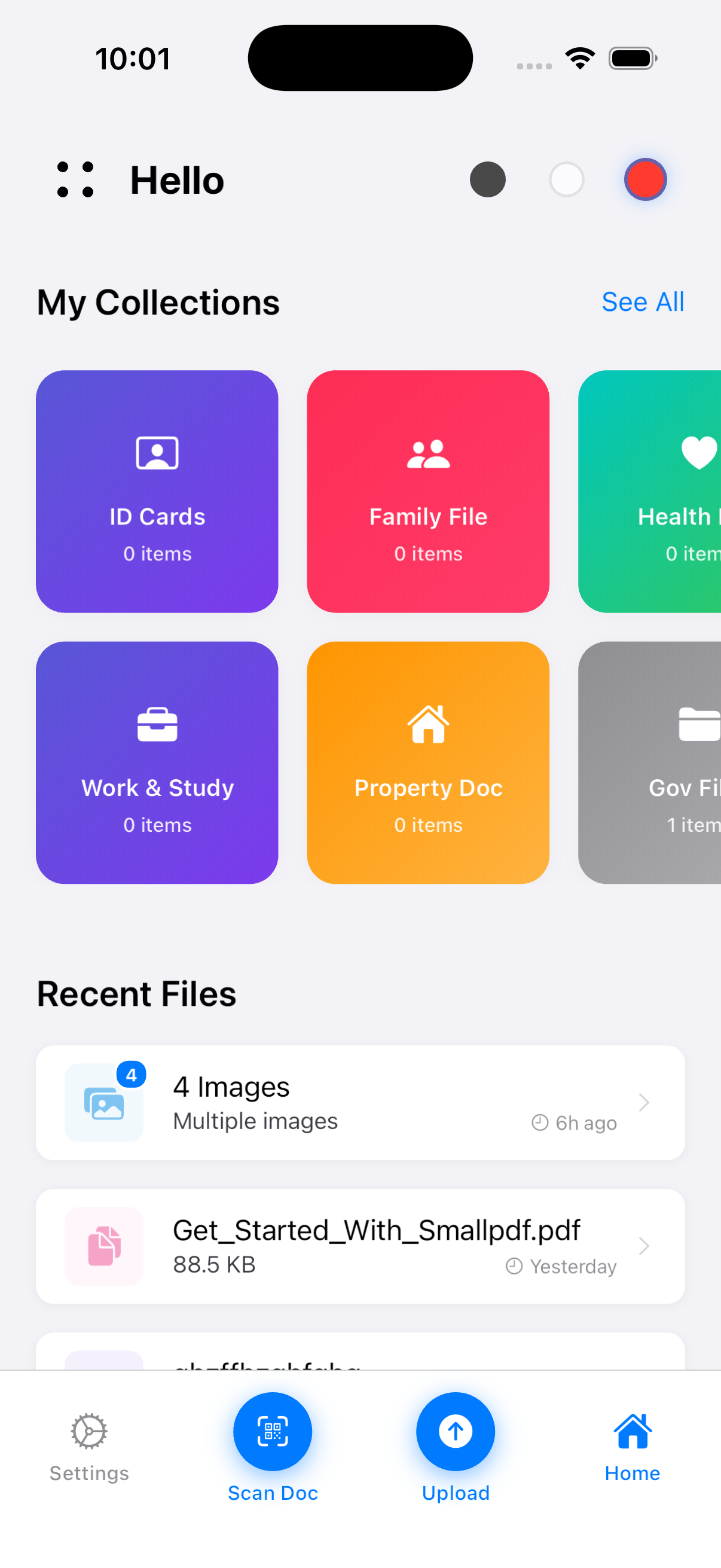
Create and organize encrypted notes with folder support and rich text editing capabilities.
Securely store passwords with built-in generator and strength checker for enhanced security.
Keep sensitive contacts separate and encrypted with import functionality from device.
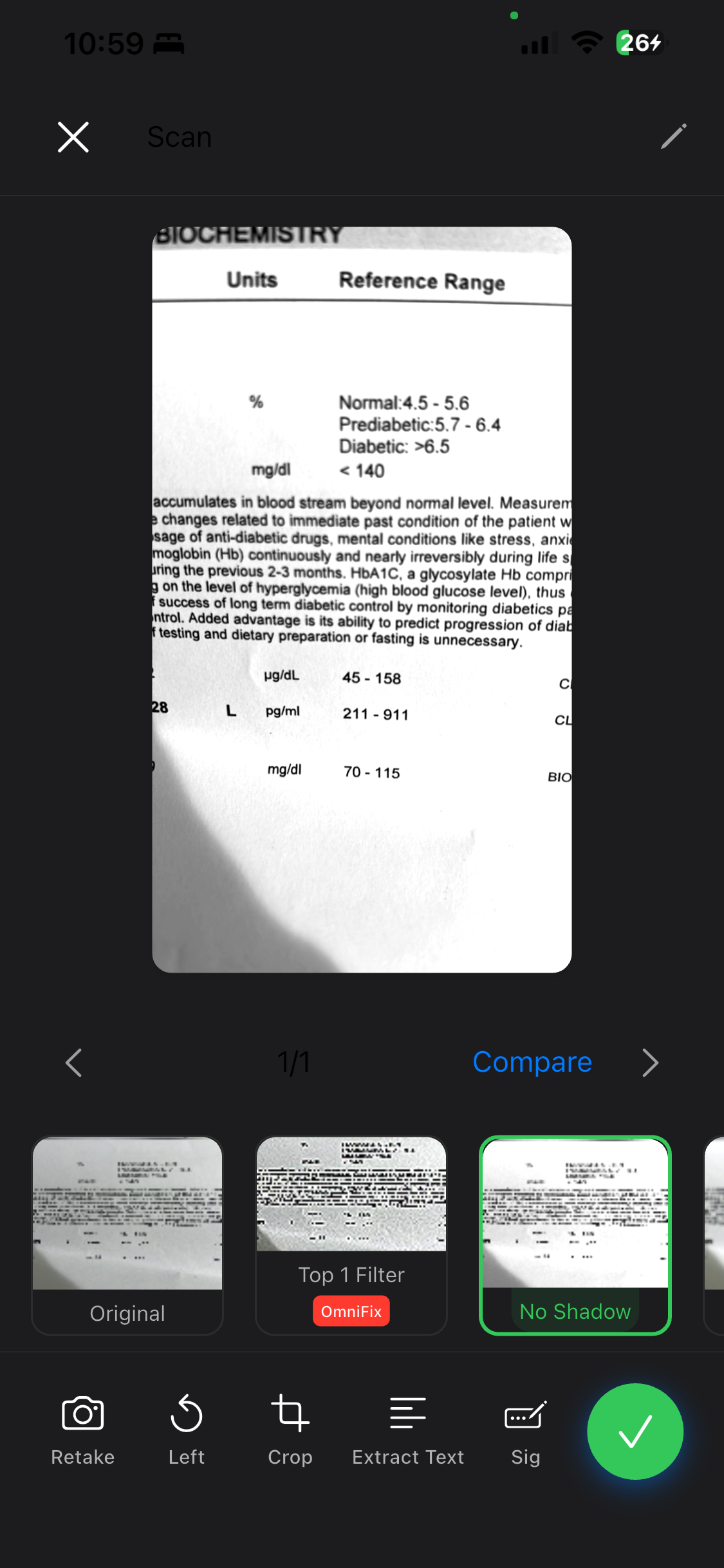
Scan documents with camera using multiple filters and automatic edge detection.
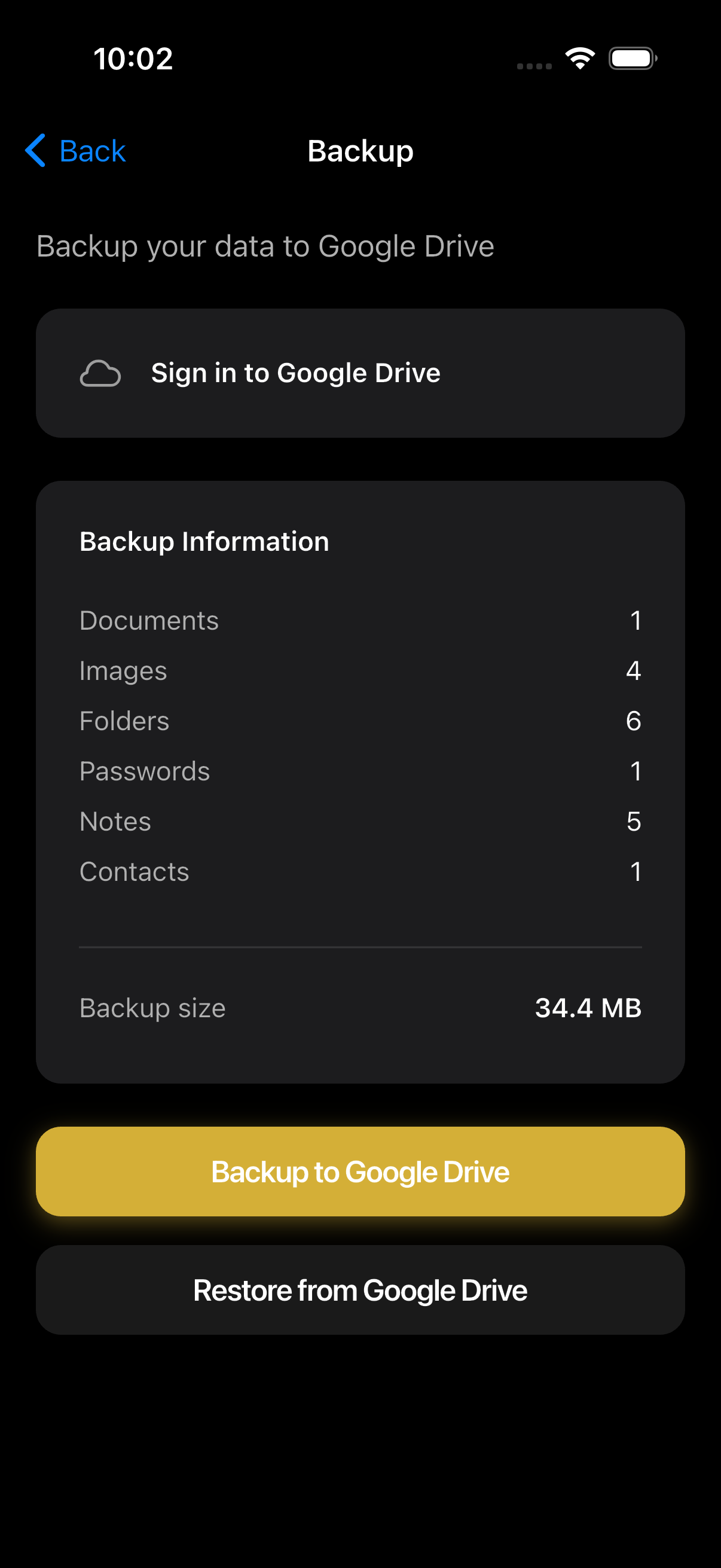
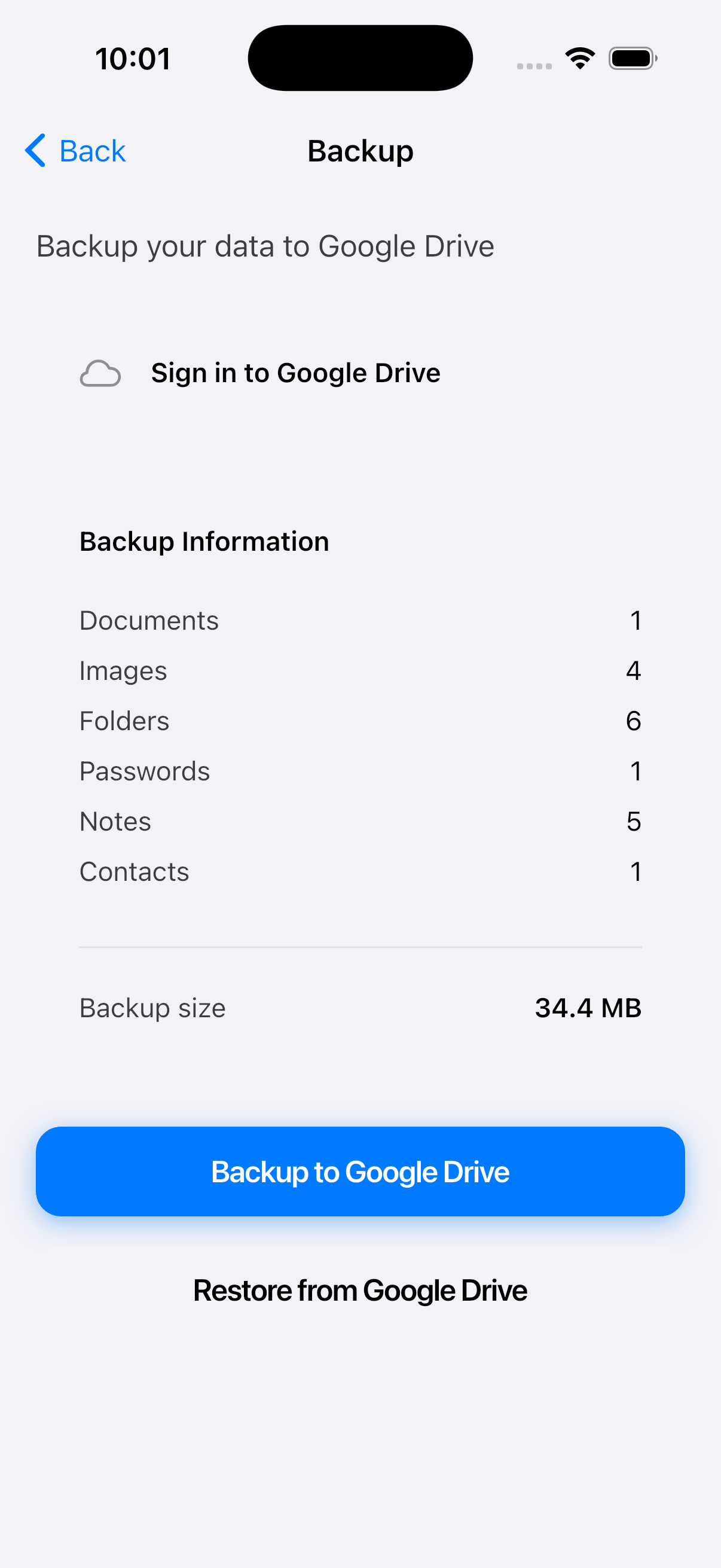
Backup encrypted data to Google Drive and restore on any device seamlessly.
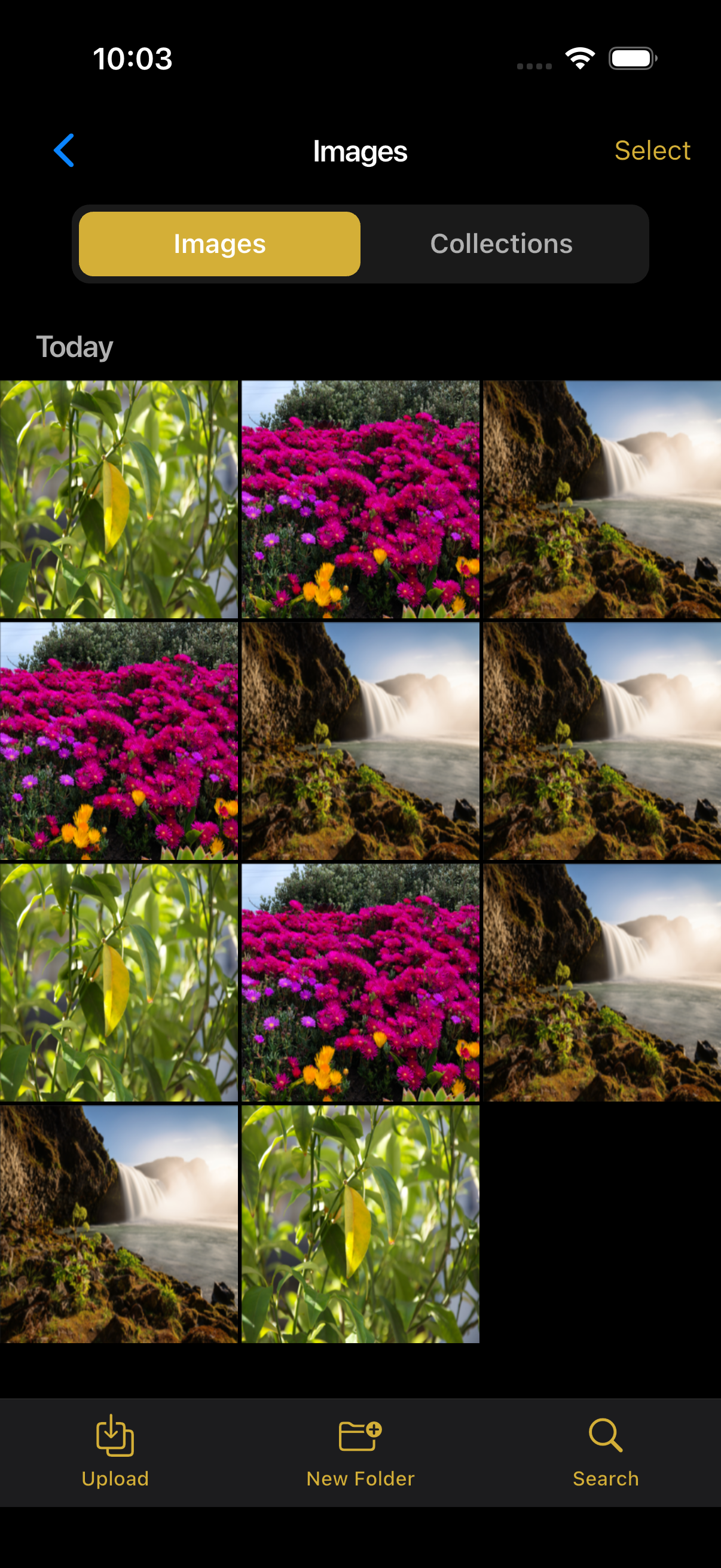
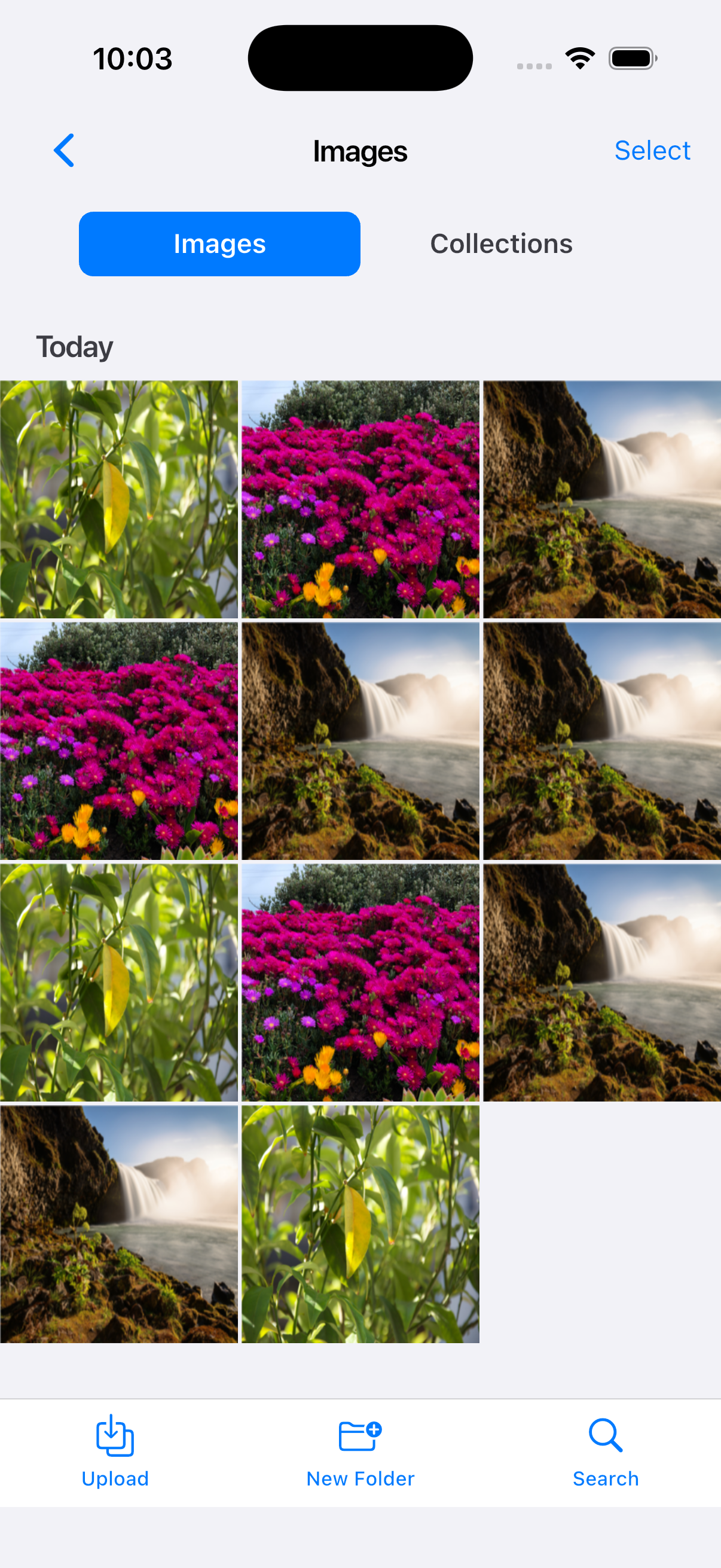
Organize and view your photos in a beautiful gallery with folder support and advanced filtering options.
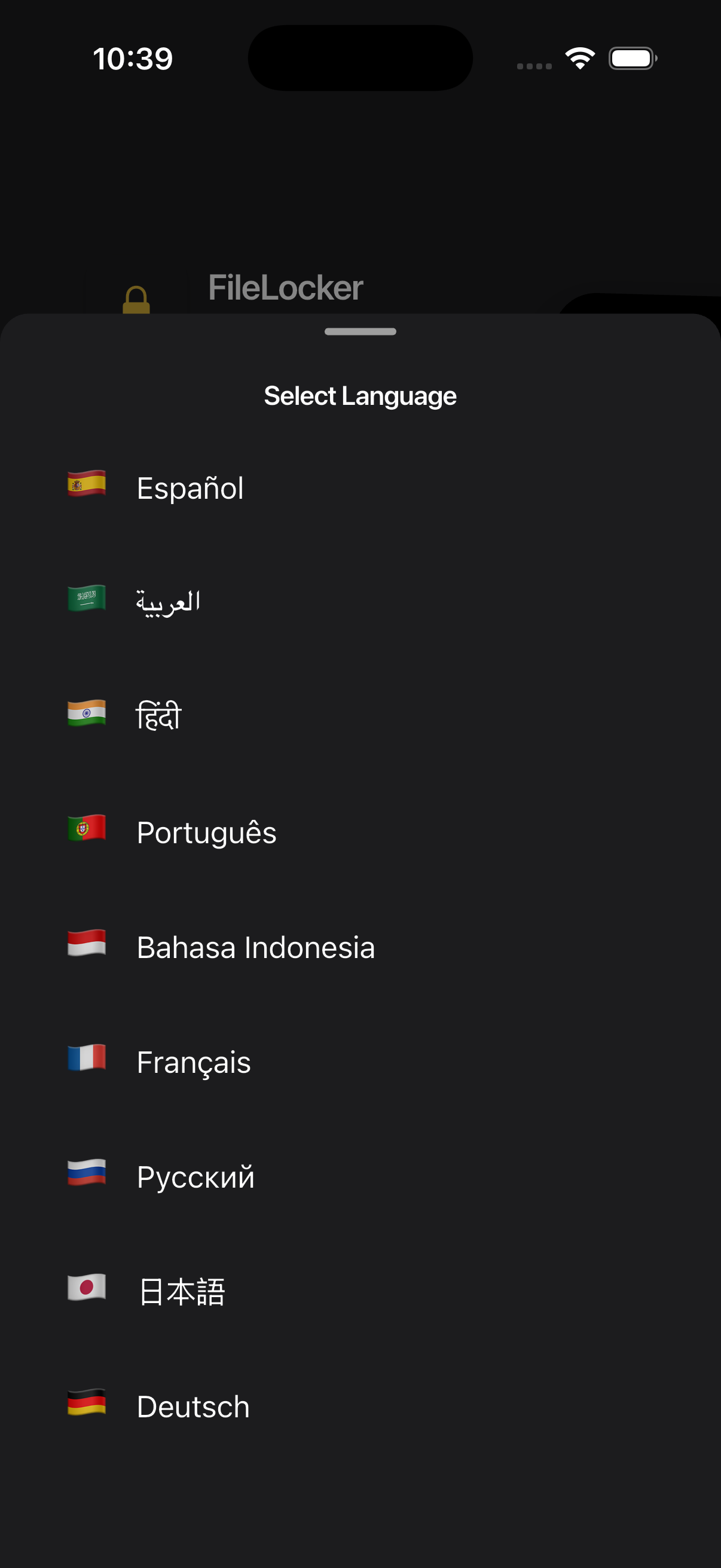
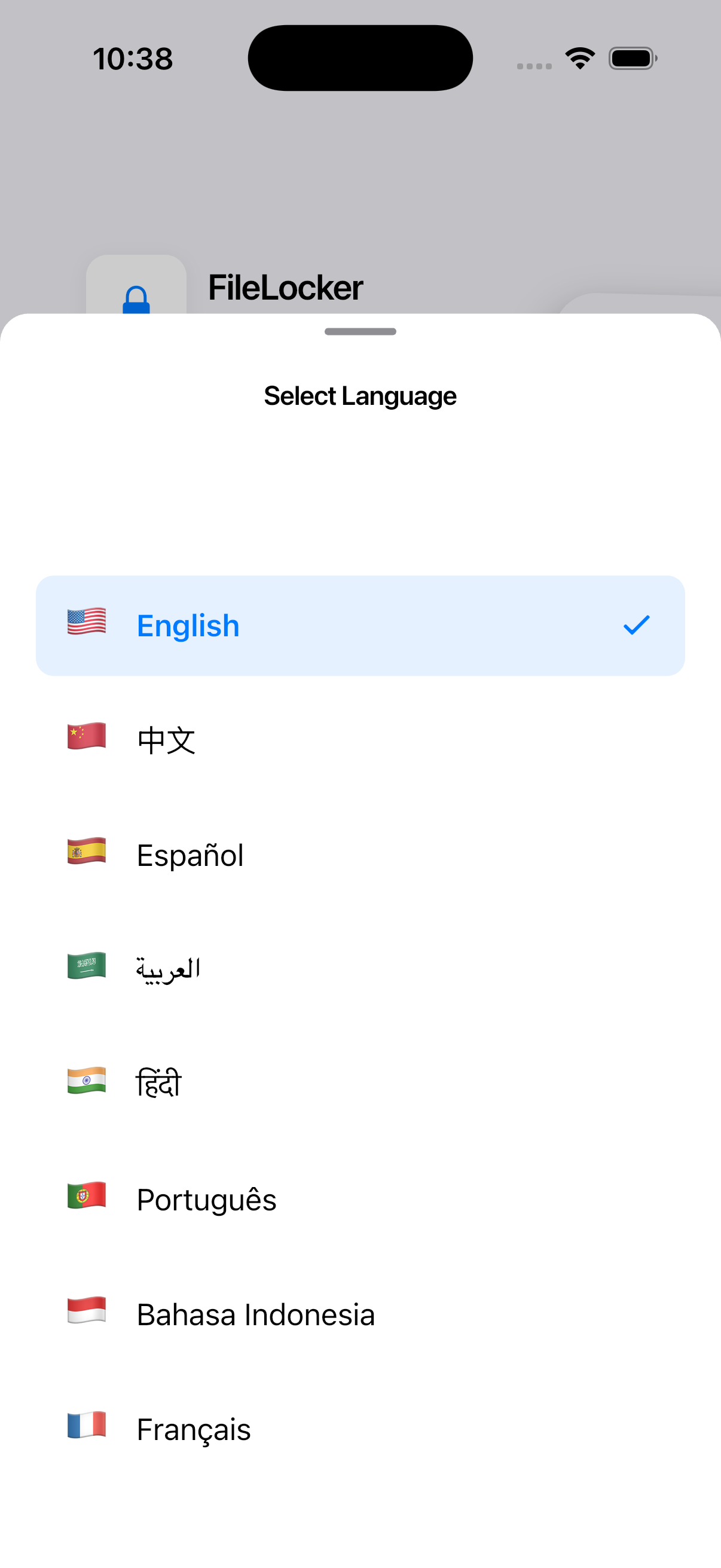
Support for 10+ languages including English, Arabic, Spanish, French, German, Italian, and more.
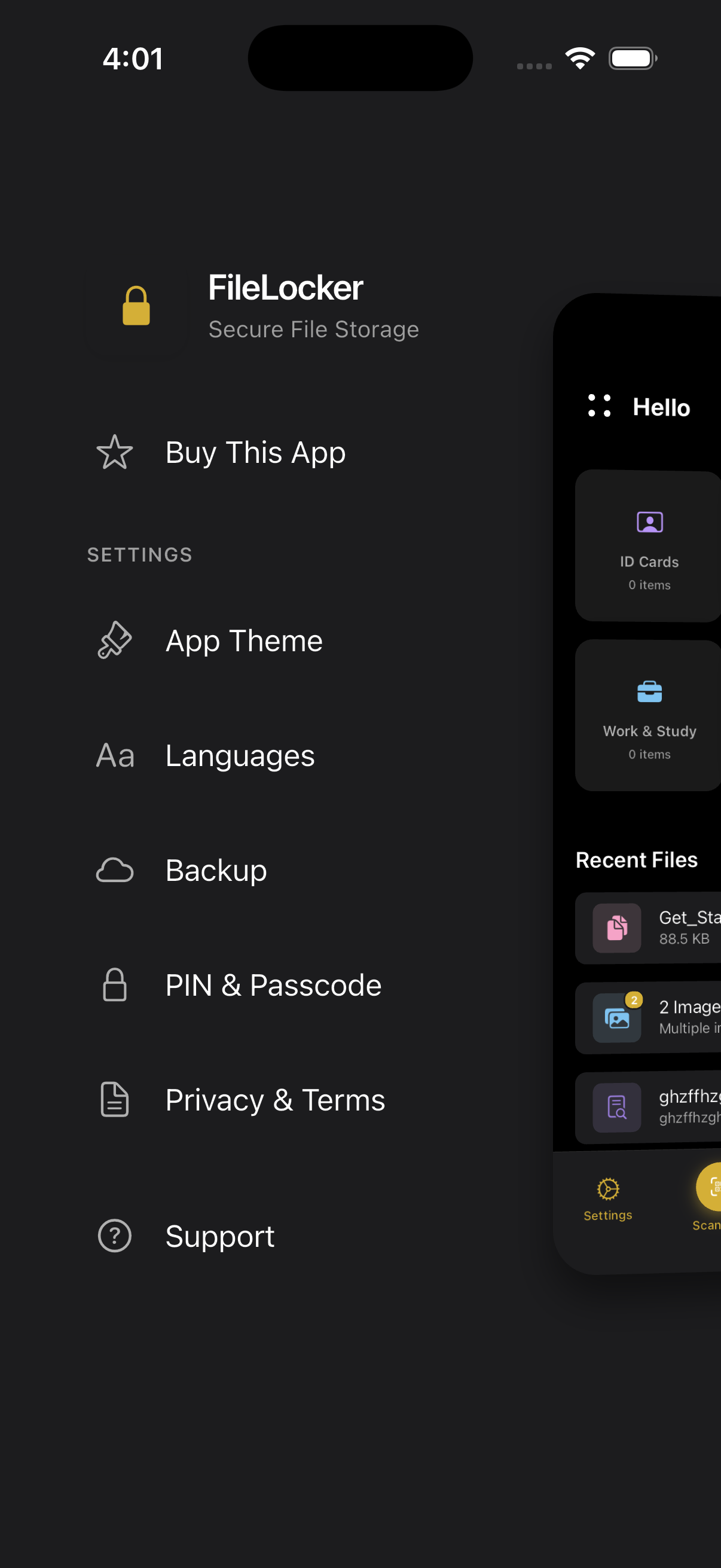
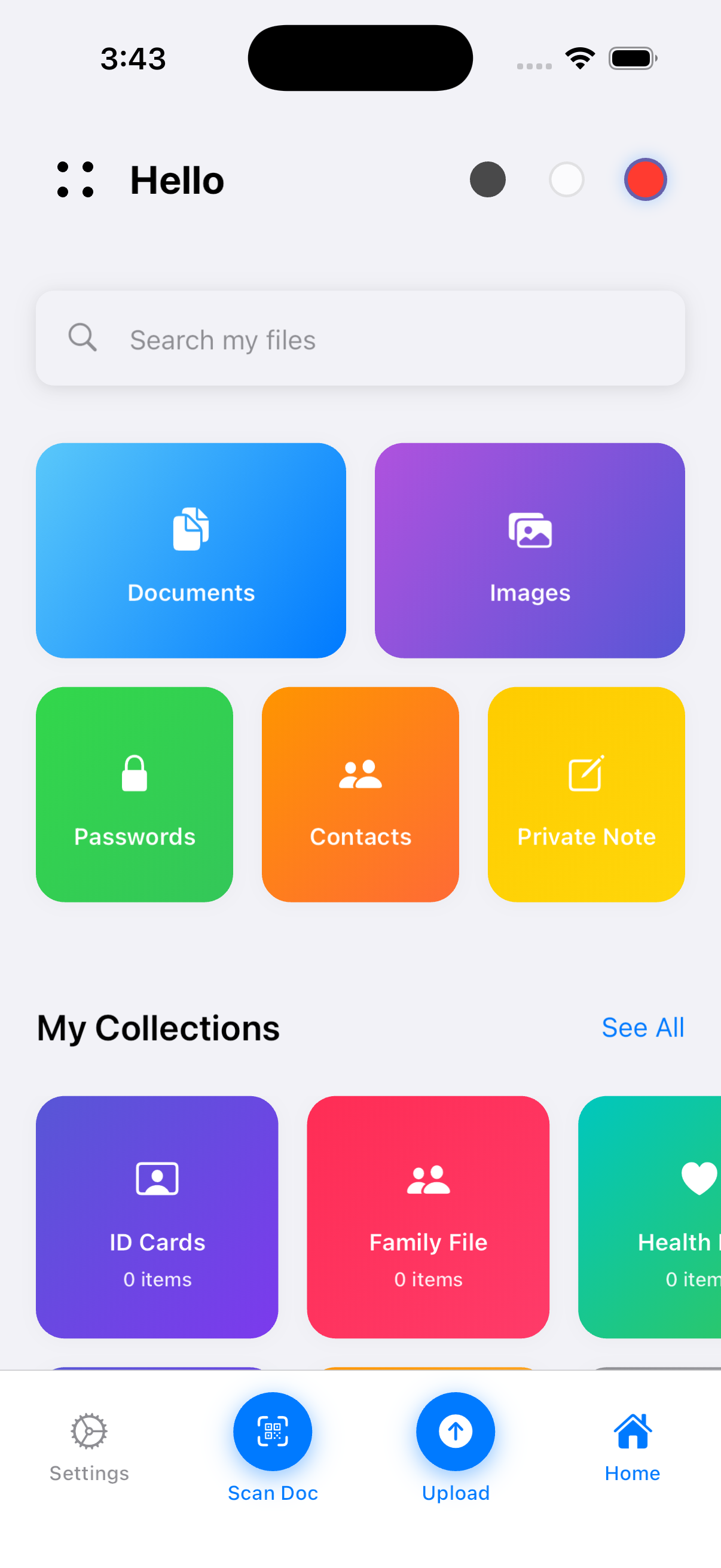
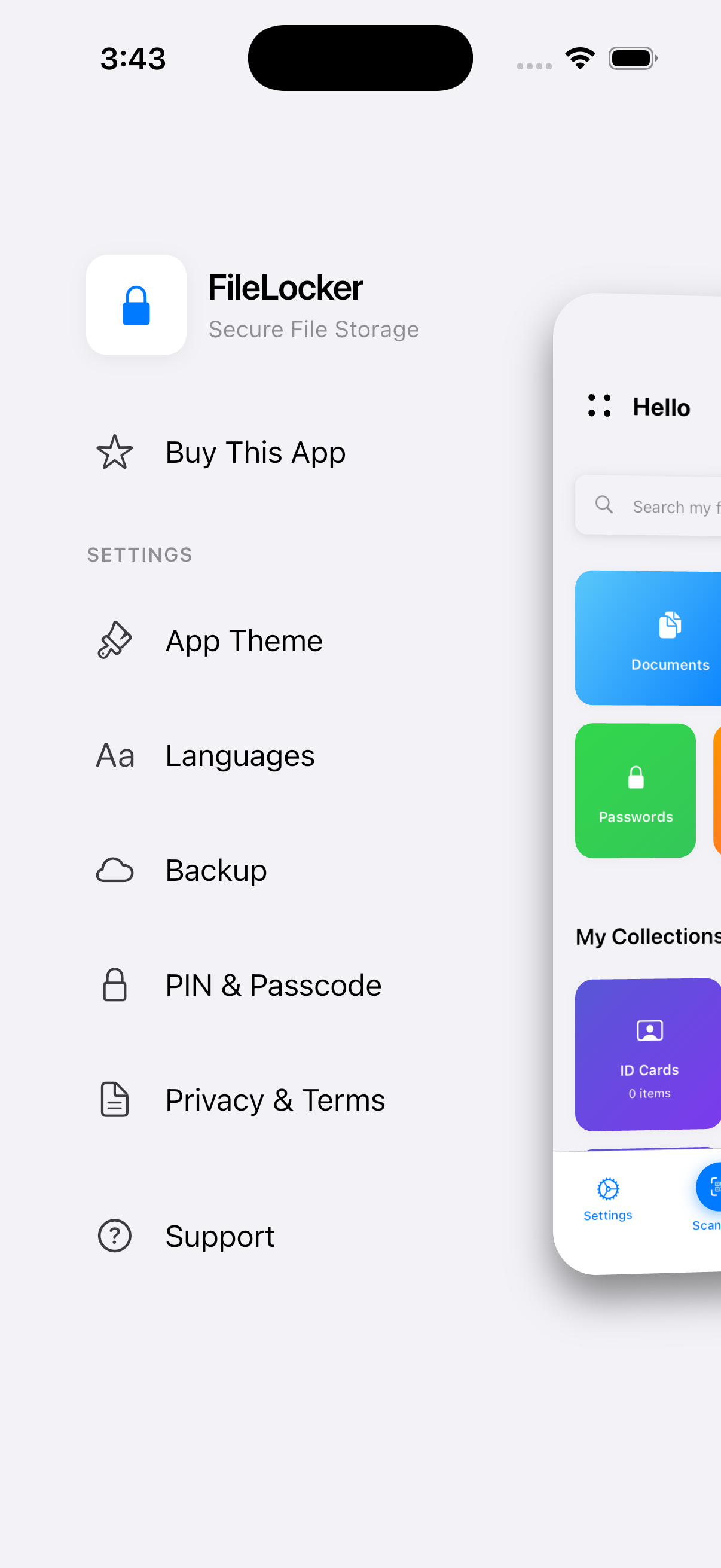
Beautiful light and dark themes with smooth transitions. Choose your preferred theme or use system default.
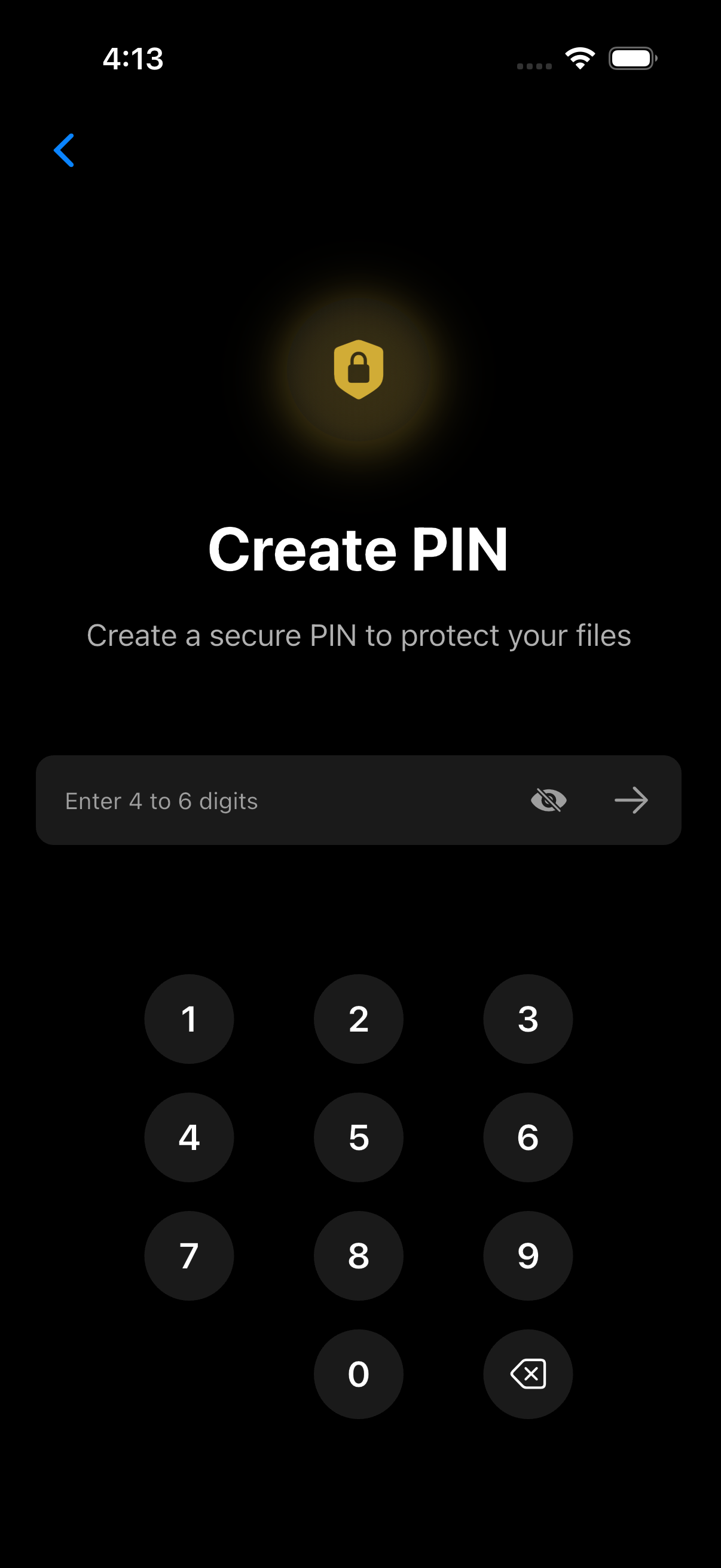
Experience File Locker in both light and dark themes
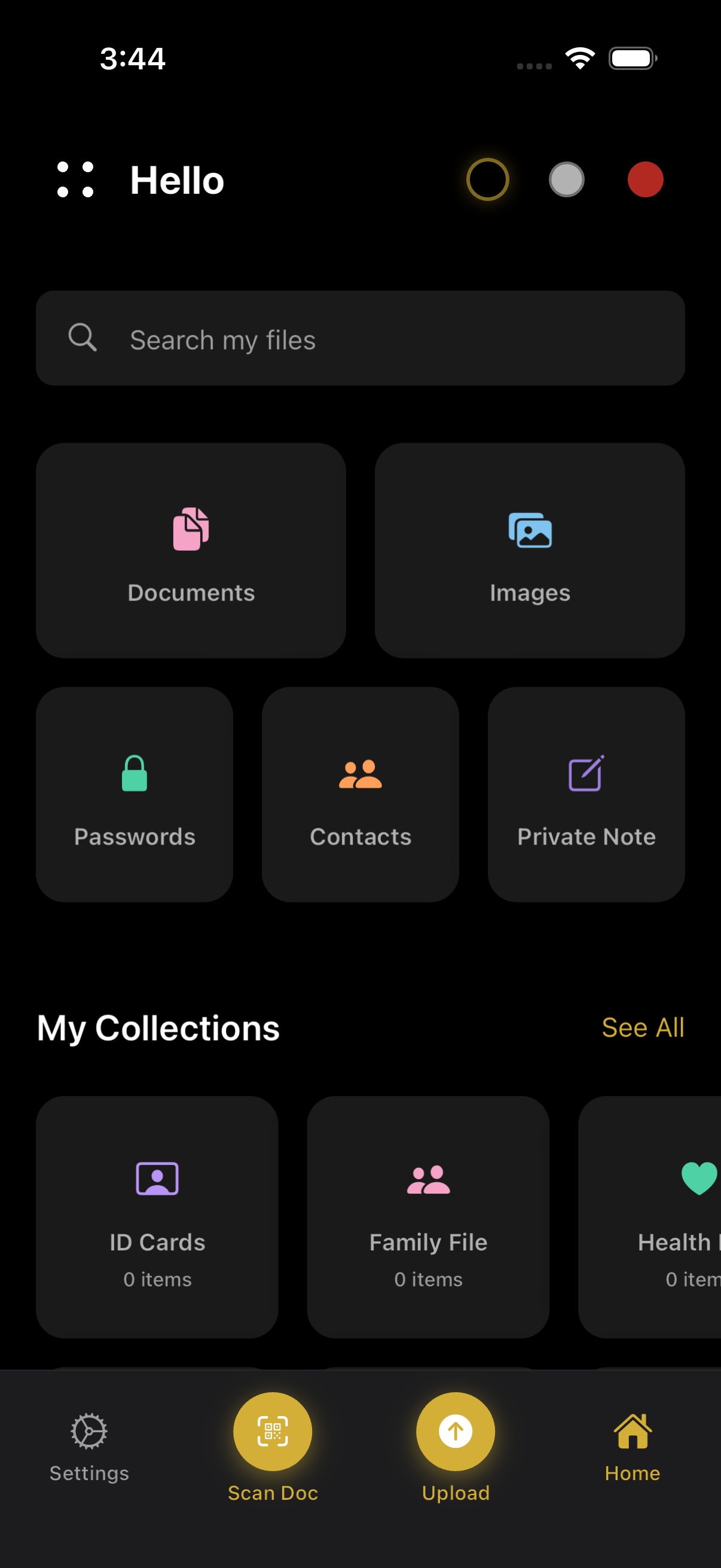
Beautiful dark interface for comfortable viewing in low light
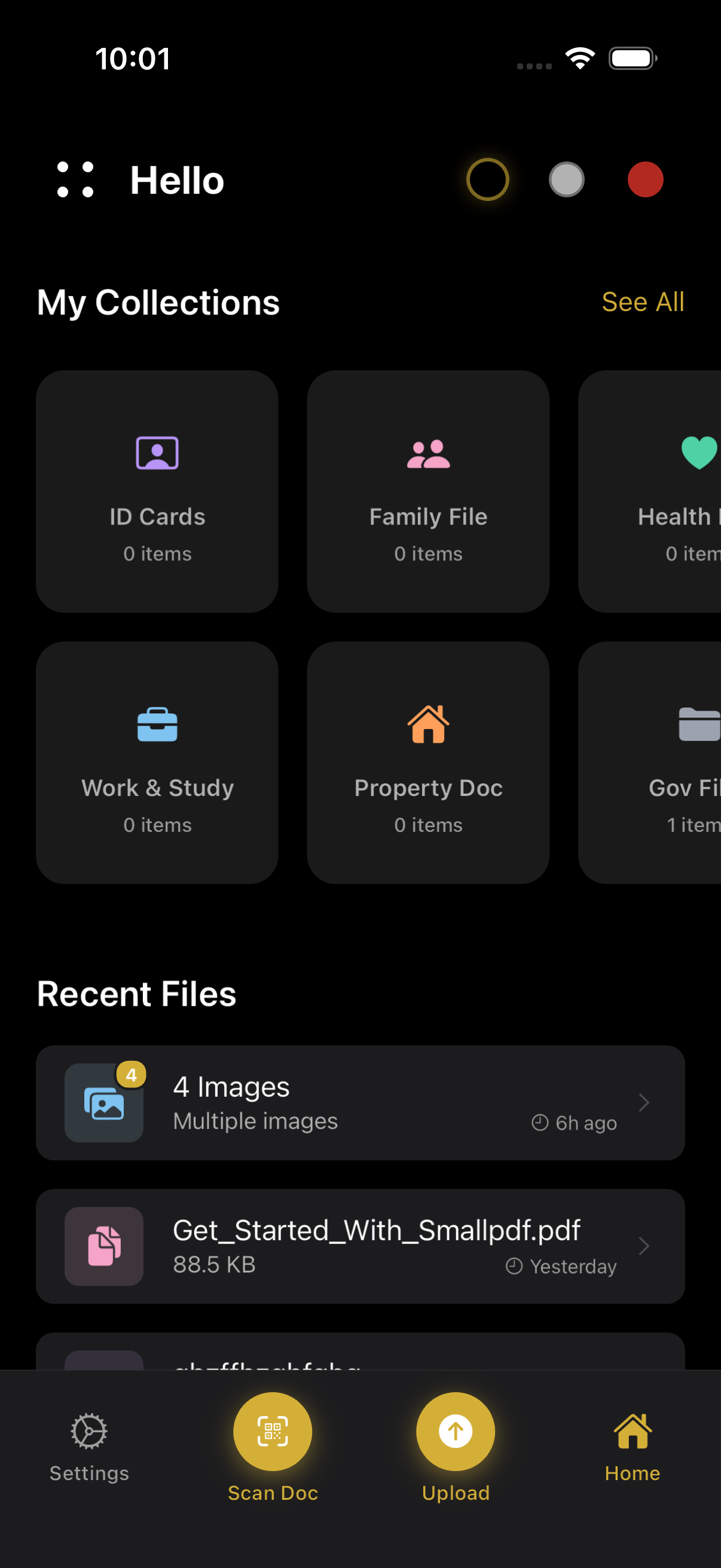

Clean and bright interface for daytime use


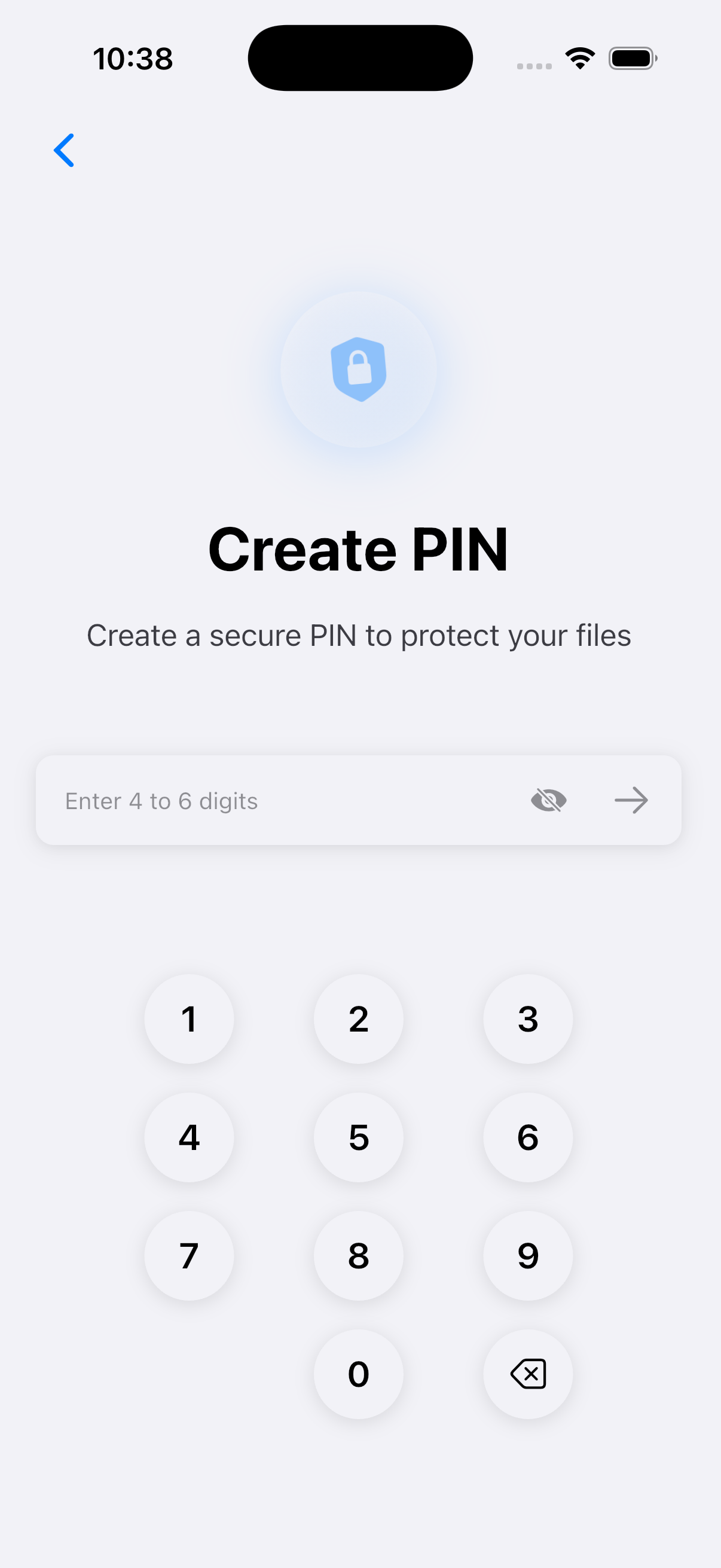
Get started in minutes with our simple installation process
Extract the downloaded ZIP file and navigate to the "Main file" folder.
cd "Main file"Install all required Flutter packages using pub get command.
flutter pub getUpdate package name, bundle ID, and app icons according to your needs.
Refer to the Configuration section below for detailed instructions on updating package names and bundle IDs for both Android and iOS.
Launch the app on your connected device or emulator to test functionality.
flutter runThe app should now be running on your device. Test all features before building for production.
Personalize File Locker to match your brand and requirements
For Android: Update applicationId in android/app/build.gradle.kts
For iOS: Update Bundle Identifier in Xcode project settings
Edit lib/core/design/app_theme.dart to customize colors, fonts, and overall app appearance.
Add or modify translations in lib/core/localization/ directory. Supports 10+ languages out of the box.
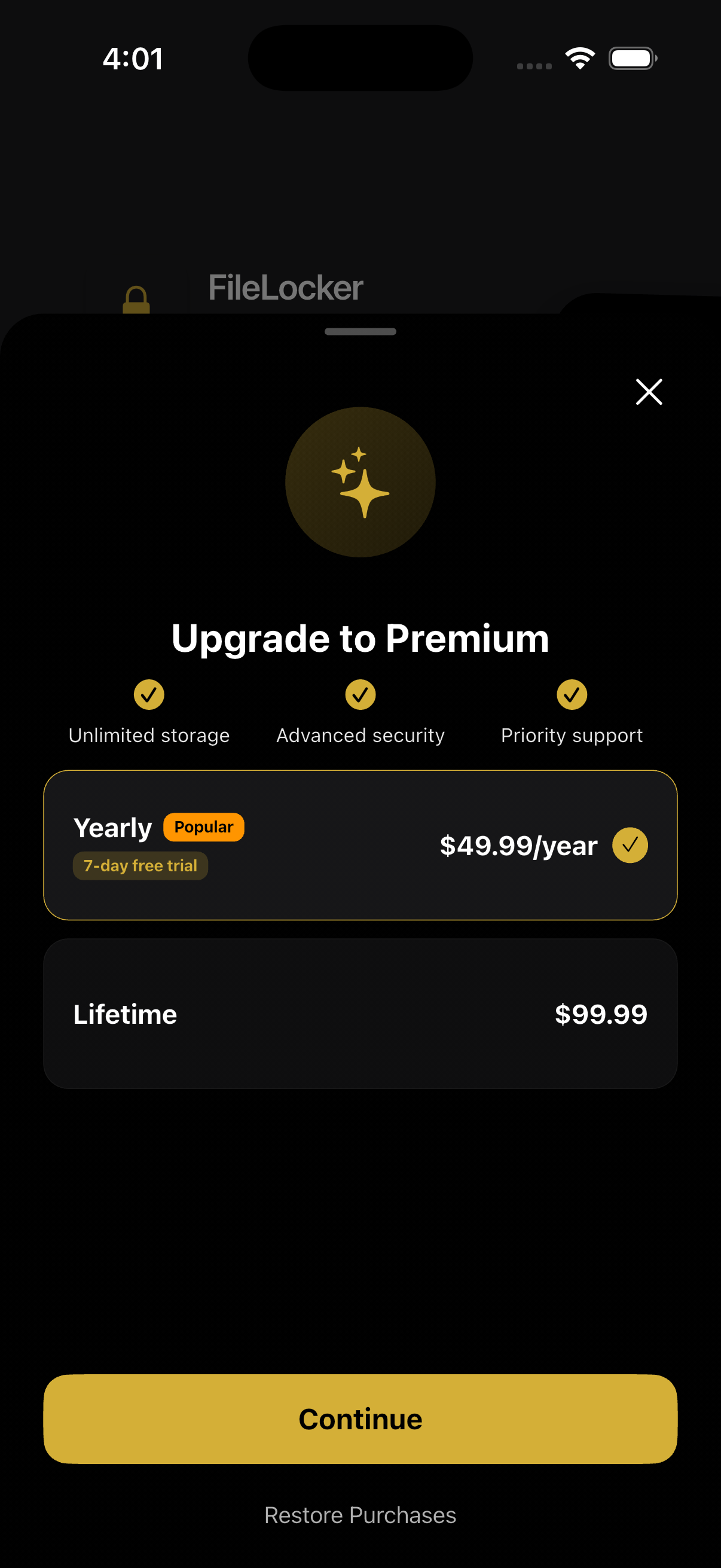
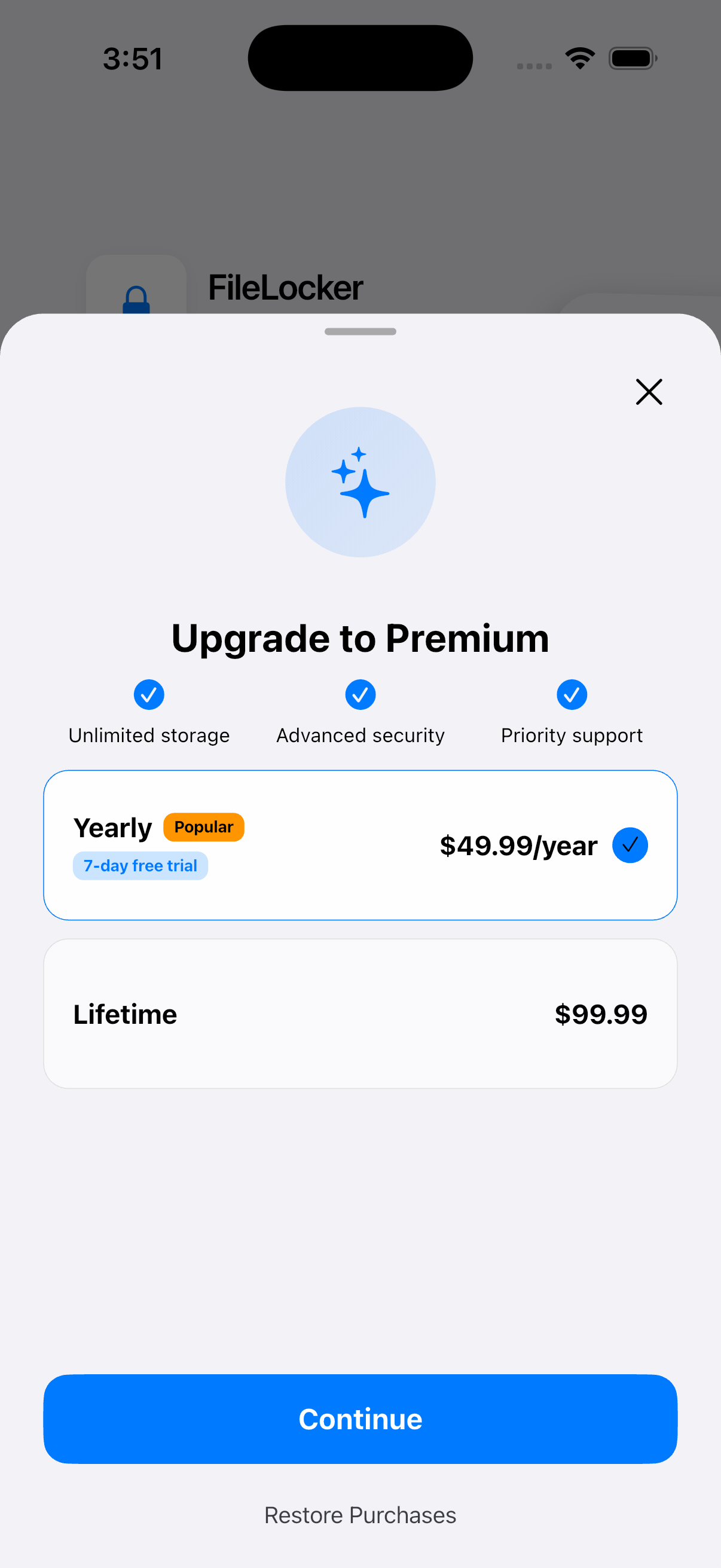
Google Sign-In and In-App Purchases are optional. The app works perfectly without them, but cloud backup and premium features will be disabled.
Get assistance whenever you need it
Comprehensive guides covering every aspect of File Locker setup and customization.
Get up and running in minutes with our step-by-step quick start guide.
Contact us through CodeCanyon for dedicated assistance and technical support.
Get in touch via email for quick assistance: getcityoos@gmail.com